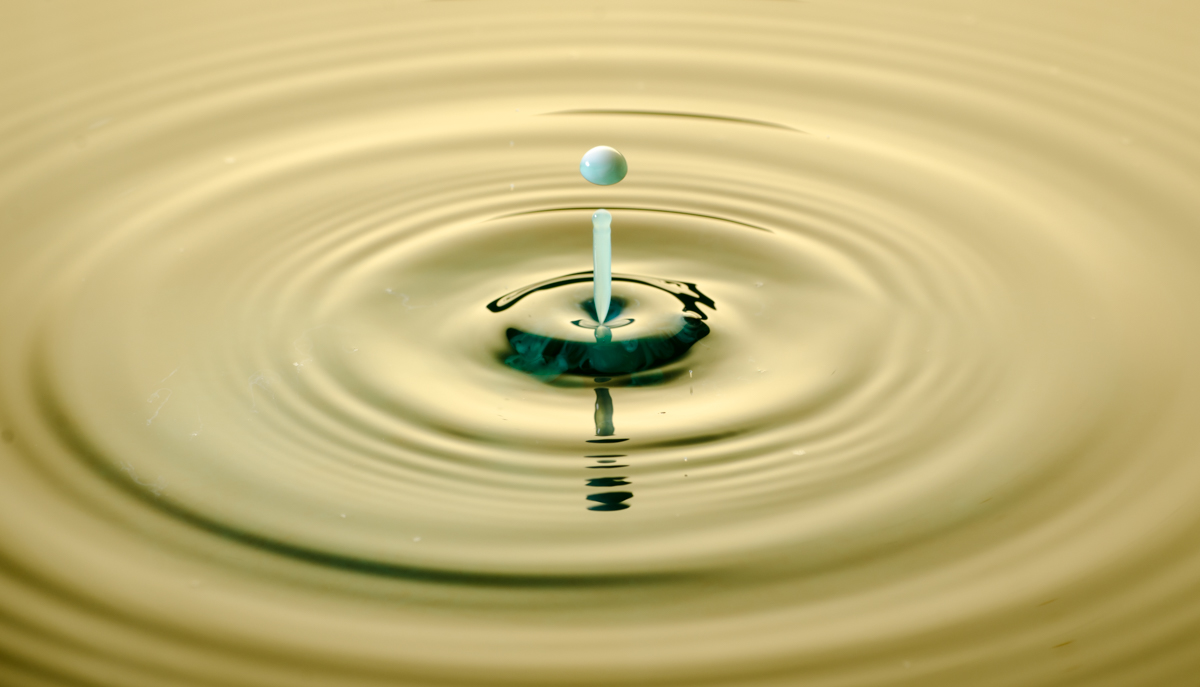
*A project for the photographic storytelling group*
(Incidentally, you can find that group at https://www.facebook.com/groups/photographicstorytelling/ )

Today’s little story is about trial and error, and how it’s helpful to have a firm grip on the technical aspects of photography so that you can get to the artistic execution. The subject of my story is water drop photography. I’m sure there are folks out there who look at it and say, “Oh, you just connect a drip machine, press a button and presto!” but actually it takes a lot of time and planning. This is what I will cover in this blog-in-two-parts.
So after working on waterdrop photography using drops from a plastic pipette, I bought a MIOPS splash. This system allows you to time your drops, adjust the water drop size, and sync everything with your flashes (leave camera on bulb, pop flash) or camera. I prefer to control the flashes from my camera and open the shutter briefly. Pictured here is my setup:
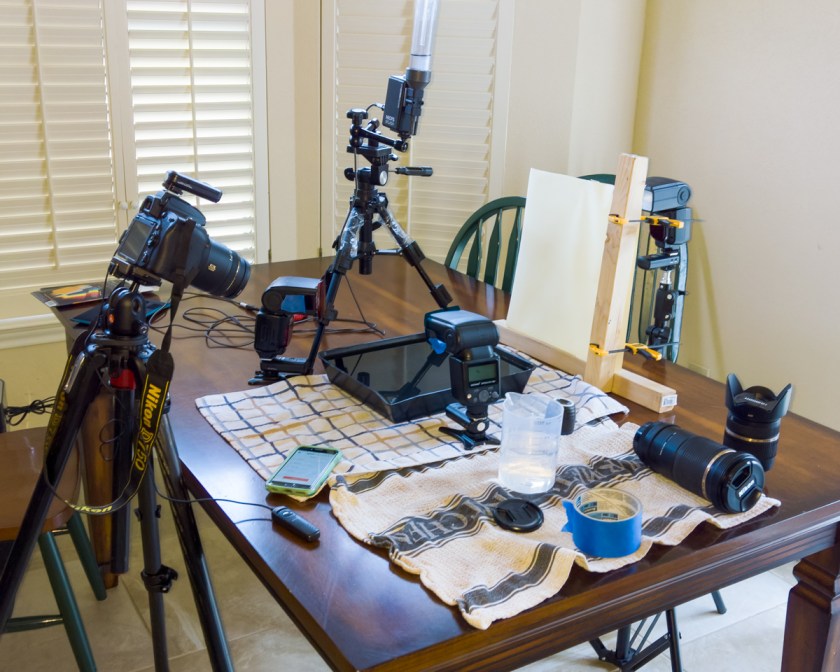
As you can see, my table is quite a mess! But it’s all necessary, I swear! Let’s go over a few of the things I’m using to make water drop images:
- A camera with a tripod. Also, I use a macro lens which allows me the distance between lens and pan that I sorely need. It is set @f/14.
- Radio controllers for the flashes. You can get a cheap kit on Amazon made by Neewer.
- Flashes set on manual mode, 1/32 s. I use one for the background lighting (pictured far right). The screen in front of it is a piece of glass with a sheet of contact paper used for protecting the bottoms of drawers. I like the gold hue. The other two flashes have a piece of rogue gel applied with painter’s tape. They are pointed at the area of the splash, to color the edges of the water drop.
- A drip kit/eyedropper/pipette etc. The trick here is height.
- A method of controlling the shutter. If you use an eye dropper to deploy your drops, I recommend the Trigger Trap. I think they are going out of business, but you can still find some camera-to-cell phone cables on the net. Trigger Trap is an app that allows you to open your shutter from your cell phone using a verbal command like, “Bang!” which is kind of fun….and could possibly annoy your roommates….The MIOPS, on the other hand, comes with a flash sync cable and a cell phone app that lets you control the dropper via bluetooth. In my case, I (read, my husband) rigged the Trigger Trap cable to a few other connectors and cables so that it could connect to my camera long-distance. This way, I could just hit a button on the app to deploy the drop and time the shutter.
- A word about shutter speed – you will need to use your camera’s optimum shutter speed for deploying flash. My Nikon’s is 1/200 s (and some cameras have 1/160 s, check the manual). Anything faster and you will see your shutter curtain in your image!
- Towels. It gets wet.
- And of course, a container for water. I found that a black plastic tray worked better than glass for the camera angle I was using. Also, filling it up worked better than part-way or I would have a black, unreflective line in my images.
I’m going to additionally point out that tethering your camera to Lightroom on a laptop is very useful. It allows you to see your images in real-time in a larger format than the back of your camera, which is good for checking focus and other important things.
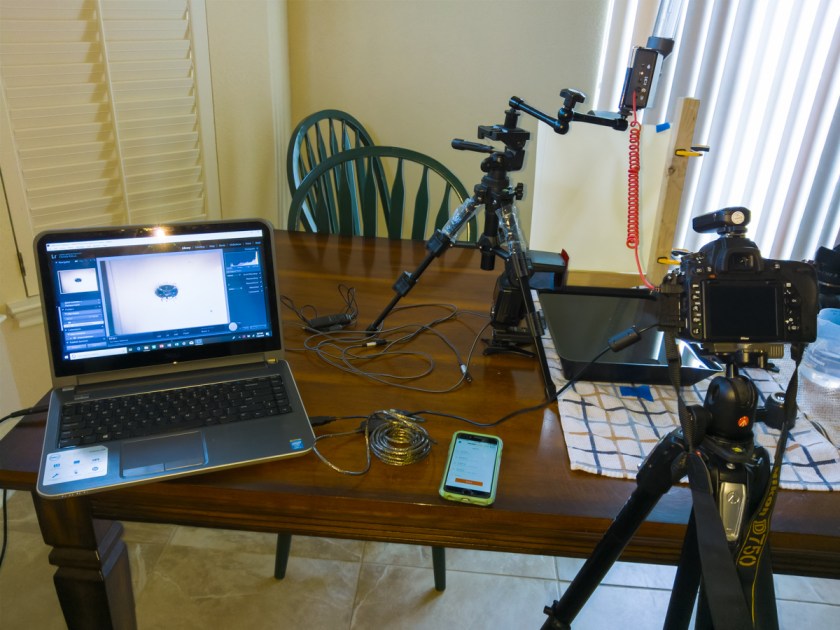
I connect my camera via its USB cable plus a TrippLite extender to the computer. Open Lightroom and go to File -> Tethered capture -> start tethered capture. Turn on your camera and let LR acknowledge that it is seen. As you work, the files will be saved on the computer.
Okay, so now that everything’s in order, let’s proceed to the set up for the shot(s). You need to figure out exactly where the water drop is going to hit and be consistent about it. So, if you are using a dropper, having a clamp to hold it in place is a good idea. The MIOPS drip kit comes with an arm you can attach to a small tripod. (In all honesty, I’m not a fan of this arm). Once your drop-maker is secure, focus on the water using a ruler or some other object. I use a sake cup (my husband’s suggestion).
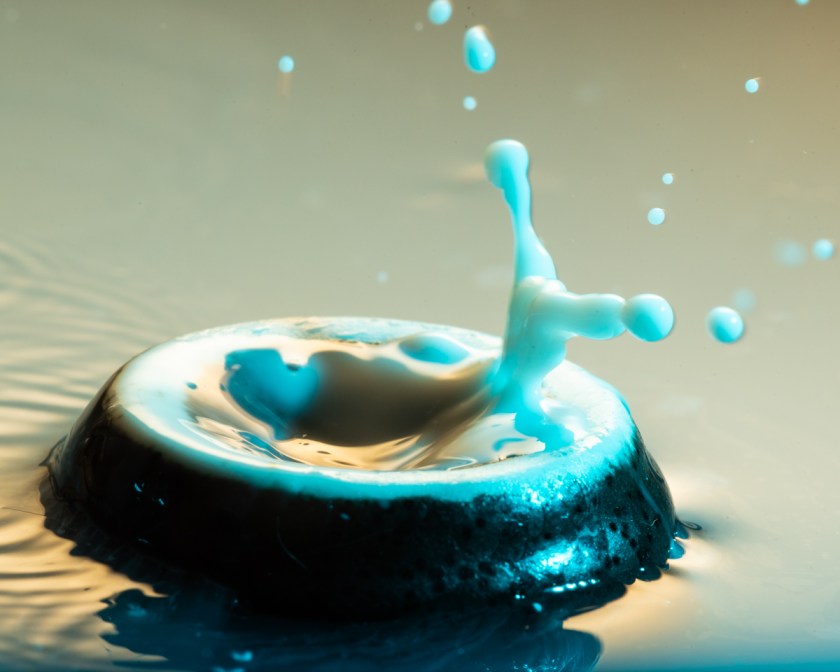
Pictured above is the test for focus. As you can see, my drop is a little soft. It took me a while to figure out why. Basically, all of your flashes have to be 1/32 s or below, or you get something like this:
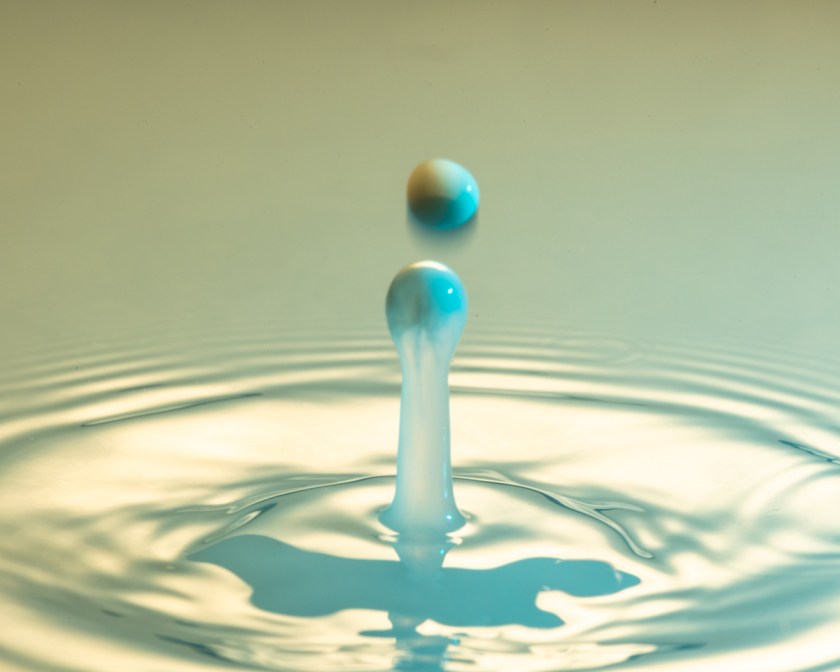
Motion blur.
So I powered down the background flash and moved it closer to my subject (to compensate for less power). The next problem (among many I had throughout the session) was that, by moving the background light source lower and closer, I got some serious vignetting in the upper corners.
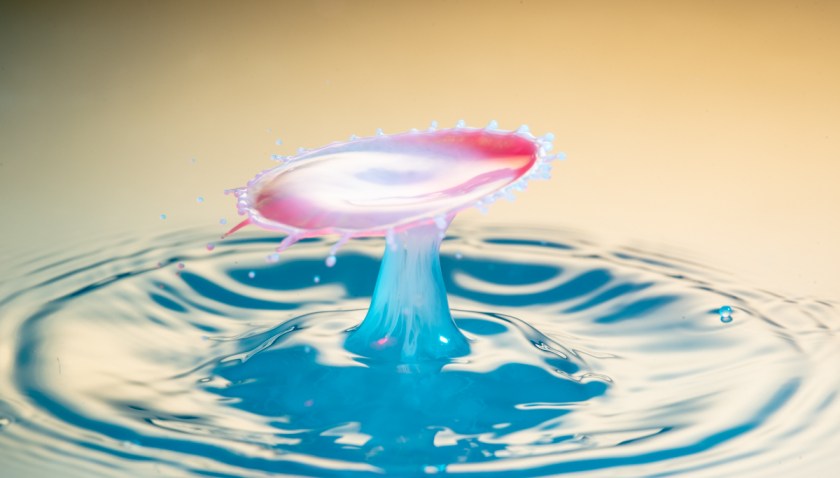
And finally, I observed that the contrast and colors in the image just weren’t quite right,
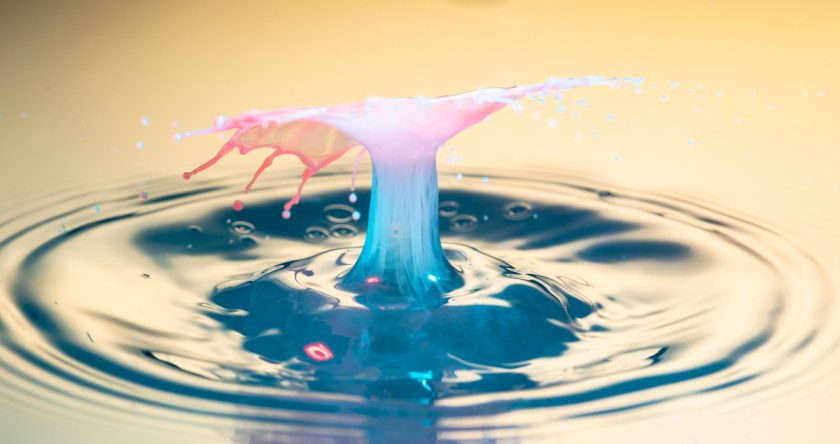
which is partly a post-processing dilemma.
I’m telling you about all the mistakes I’ve made, because I notice that in other blogs everyone shows the picture-perfect results. To get there, however, takes quite a bit of patience and effort. I took over 300 pictures just trying to get results to post in this blog. In that time, the flashes stopped communicating, the camera sync cable stopped functioning, and other issues came up that I have already addressed.
The replacement cable just came in the mail, and I will continue experimenting. So this blog is To Be Continued…
Happy image-making folks!
 Slice of Life